Capacitor Foldable
Make your Capacitor app fold-aware on iPhone Duo, Galaxy Z Fold and Flip, and Pixel Fold. Fold state, posture, hinge angle, size classes and where the native bars go, from one plugin.
Built with it: Hinge Guess
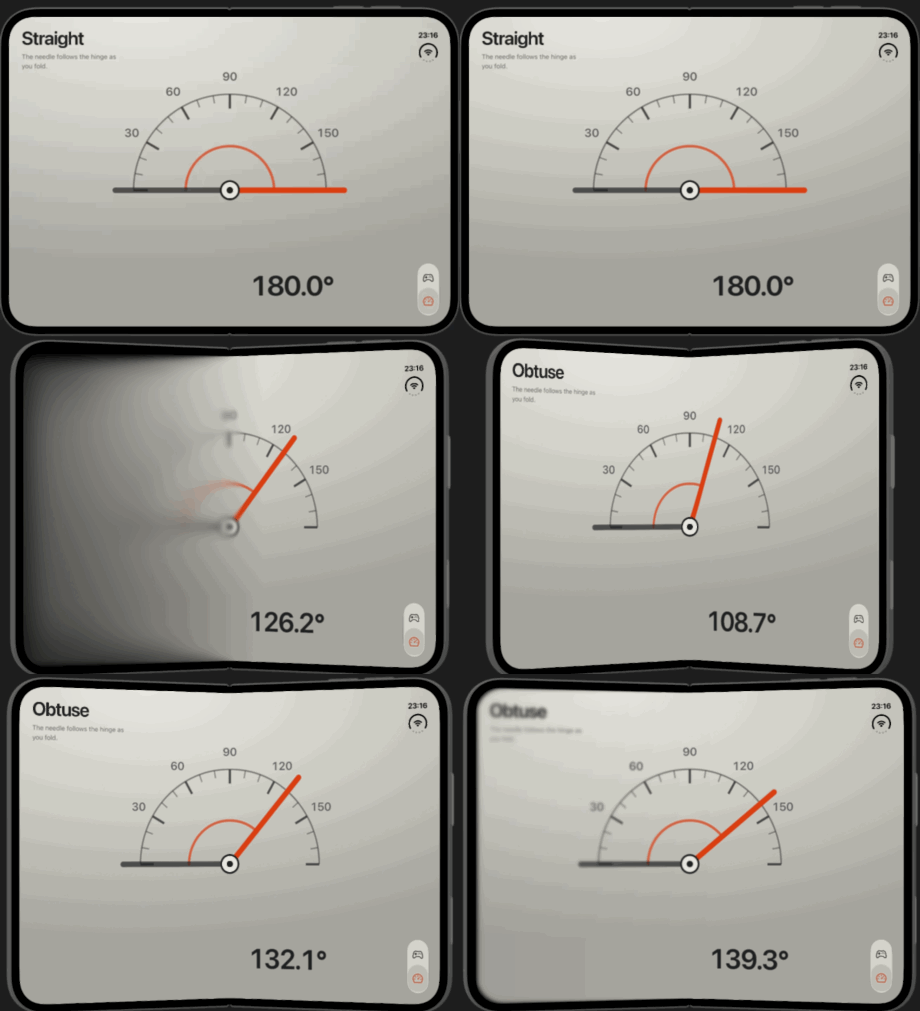
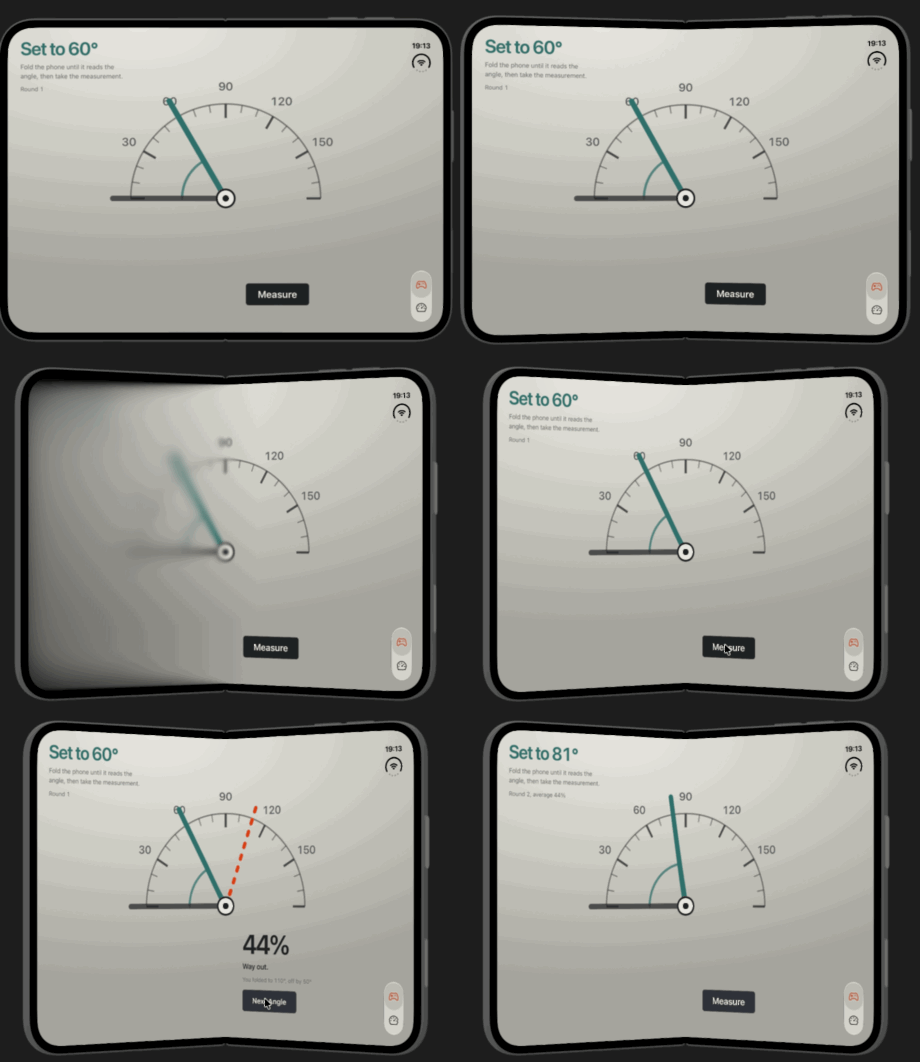
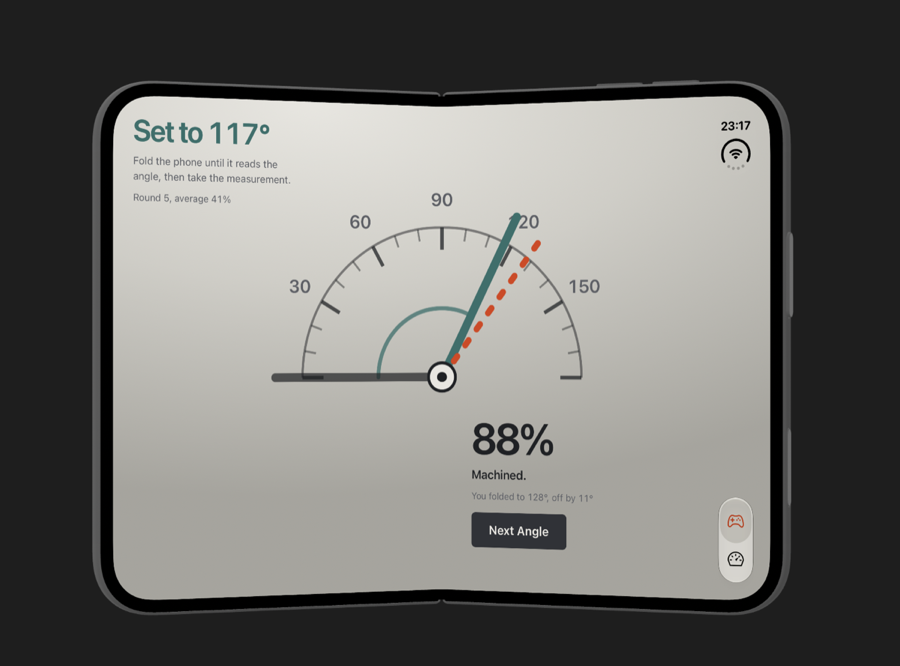
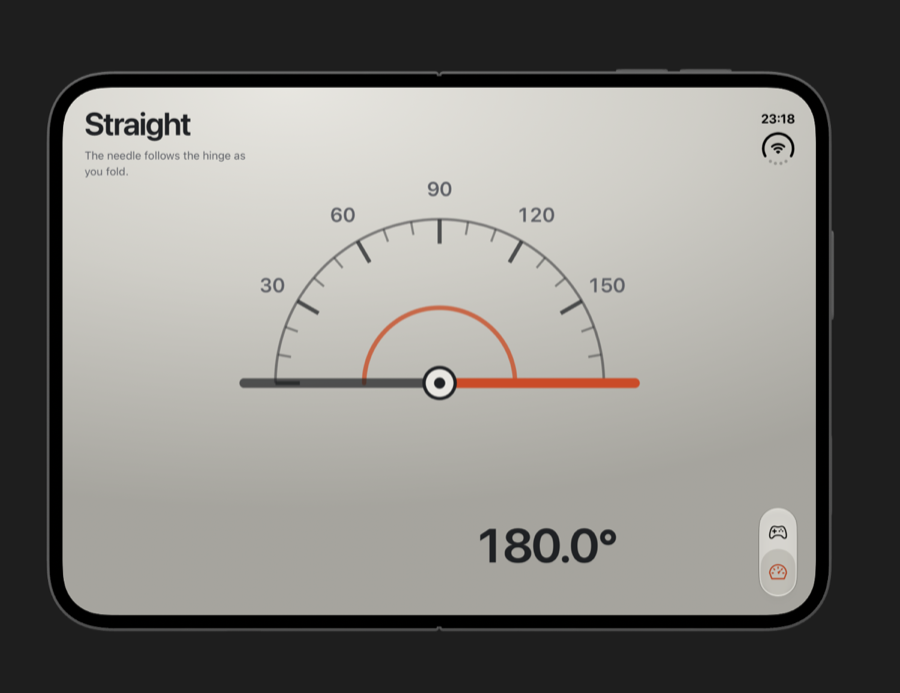
Hinge Guess is a small game where the phone is the controller: fold it to the target angle, tap Measure, and score how close you got. Ionic Angular, Capacitor, and this plugin's hinge angle behind the dial, with the protractor's pivot sitting right on the crease.
Install
npm install @erkamyaman/capacitor-foldable
npx cap sync
Capacitor 8. On Capacitor 7, install @erkamyaman/capacitor-foldable@7. iPhone Duo support needs Capacitor 8.5+ and iOS 27.1, and works with any Xcode.
import { Foldable } from '@erkamyaman/capacitor-foldable';

const { posture } = await Foldable.getFoldState(); // 'flat' | 'tabletop' | 'book'

Foldable.addListener('foldStateChange', ({ posture }) => {
  document.documentElement.dataset.posture = posture;
});
What it tells your app
Fold state and posture
Flat, half-opened or closed, and whether the phone is held as a book or a tabletop.
Where the fold is
The hinge bounds and orientation, and whether the fold splits the web view in two.
Hinge angle
Live degrees from 0 to 180, plus a folding event while the hinge moves.
Inner or outer display
Which screen the app is on, and Material window size classes.
Bar placement
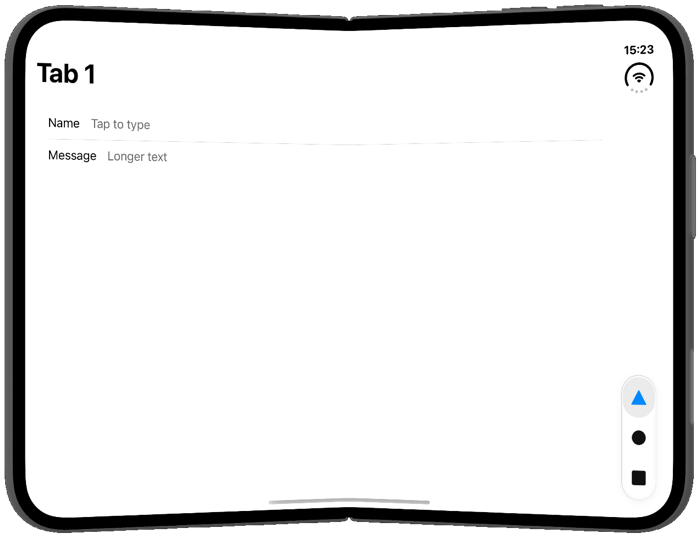
Which edge iPhone Duo moves native bars to, and how many points they take, so HTML tab bars can follow.
Android outer display
Rear display and dual screen on Android foldables.
Web standards, in a web view that turned them off
Chrome ships the Device Posture and Viewport Segments APIs, but Android's WebView disables both, and Safari 27.1 keeps them behind a flag an app can't set. installFoldablePolyfill() fills them in from the native fold state and mirrors the CSS features on <html>.
import { installFoldablePolyfill } from '@erkamyaman/capacitor-foldable';

await installFoldablePolyfill();

navigator.devicePosture.type; // 'continuous' | 'folded'
window.viewport.segments; // two DOMRects when the fold splits the view| Standard CSS | With the polyfill |
|---|---|
@media (device-posture: folded) | .device-posture-folded |
@media (horizontal-viewport-segments: 2) | .horizontal-viewport-segments-2 |
env(viewport-segment-width 0 0) | var(--viewport-segment-width-0-0) |
| Fold position, flat or half-open | var(--fold-left), var(--fold-width), .fold-vertical |
| Native bars moved to the side | .vertical-bars-leading, .vertical-bars-trailing |
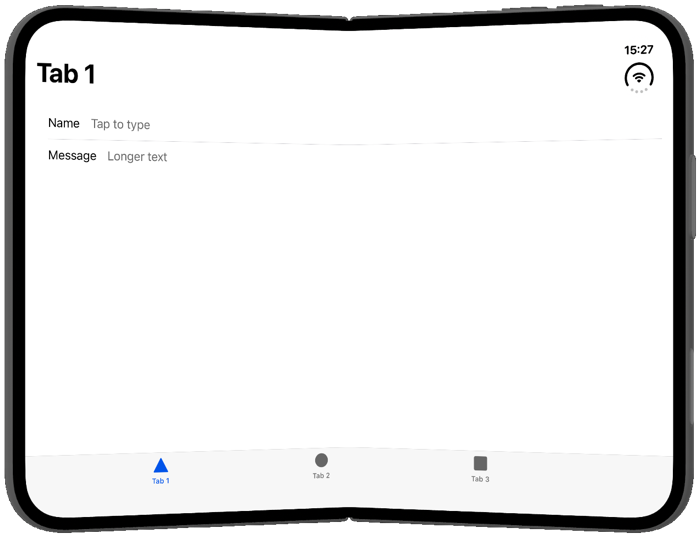
Ionic tabs on iPhone Duo
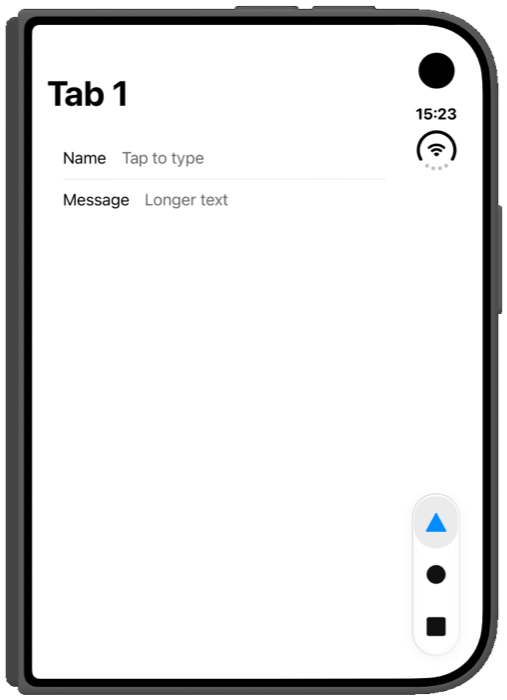
Native tab bars move to the side on iPhone Duo, but ion-tabs stays across the bottom, right over the fold. One import moves it the way the system does, and an opt-in fix stops the tab bar disappearing when the phone folds.
import '@erkamyaman/capacitor-foldable/ionic-tabs.css';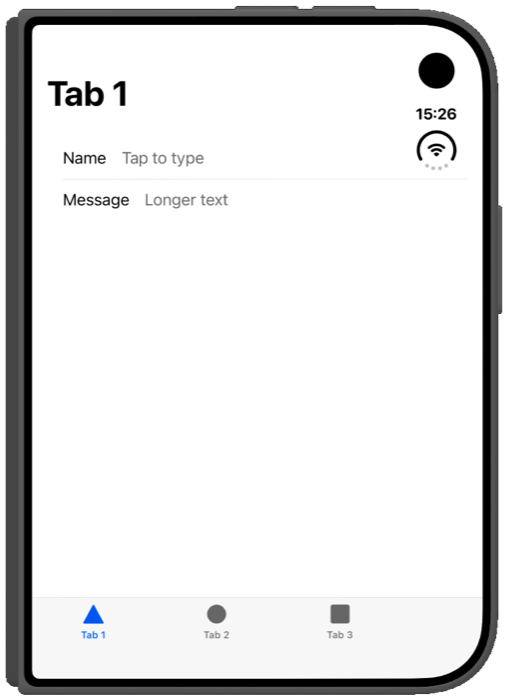
ionic-tabs.cssWant the controls rendered natively instead? See Capacitor Native UI below.
Used by
Capacitor Native UI
By Masahiko Sakakibara (rdlabo). Renders existing Ionic buttons, tabs and segments with UIKit and SwiftUI, including the side rail on iPhone Duo, while state and handlers stay in the web view. It uses this plugin as its standard device integration.
Ionic Theme iOS 27
Also by rdlabo. iOS 27 styling for Ionic apps, with layout helpers that take this plugin's bar edge and measured inset to make room for the rail.
npm install @rdlabo/capacitor-native-ui @erkamyaman/capacitor-foldableAgent skill
Using Claude Code, Codex or another coding agent? Give it the skill, so it uses the plugin correctly instead of guessing at the API: laying out around the crease, the full API, Ionic specifics, iPhone Duo, Android foldables, and how to test on both.
npx skills add erkamyaman/capacitor-foldable@capacitor-foldableIn your project already
The skill ships inside the npm package under skills/, so an agent can find it in node_modules.
iphone-duo-capacitor-skills
The same skill on its own, next to the iPhone Duo skills for SwiftUI and UIKit.
ionic-capacitor-skills
A full set of Ionic and Capacitor skills, this one included.
Platforms
| Platform | Support |
|---|---|
| Android | Galaxy Z Fold and Flip, Pixel Fold and other foldables, through Jetpack WindowManager. API 24+. |
| iOS | Size classes everywhere. Fold, hinge and bar placement on iPhone Duo with iOS 27.1. iOS 15+. |
| Web | Stub that reports flat, so the same code runs in the browser. |
No permissions, no tracking, public APIs only, and a privacy manifest included.